
Keep a topic together as it develops.
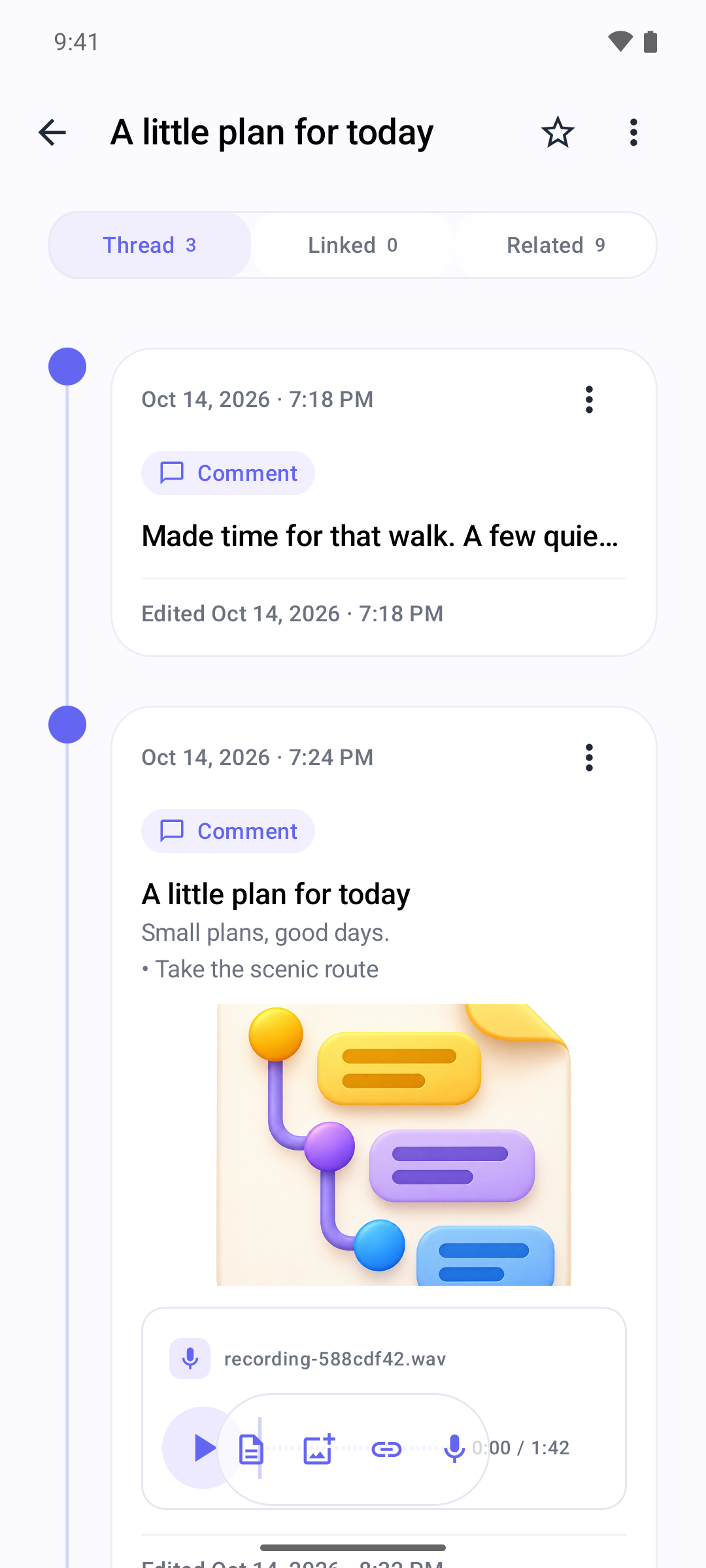
Thread Memo keeps a topic’s original record and follow-up entries in one timeline. Link related threads so you can return to their context.
Get it on Google Play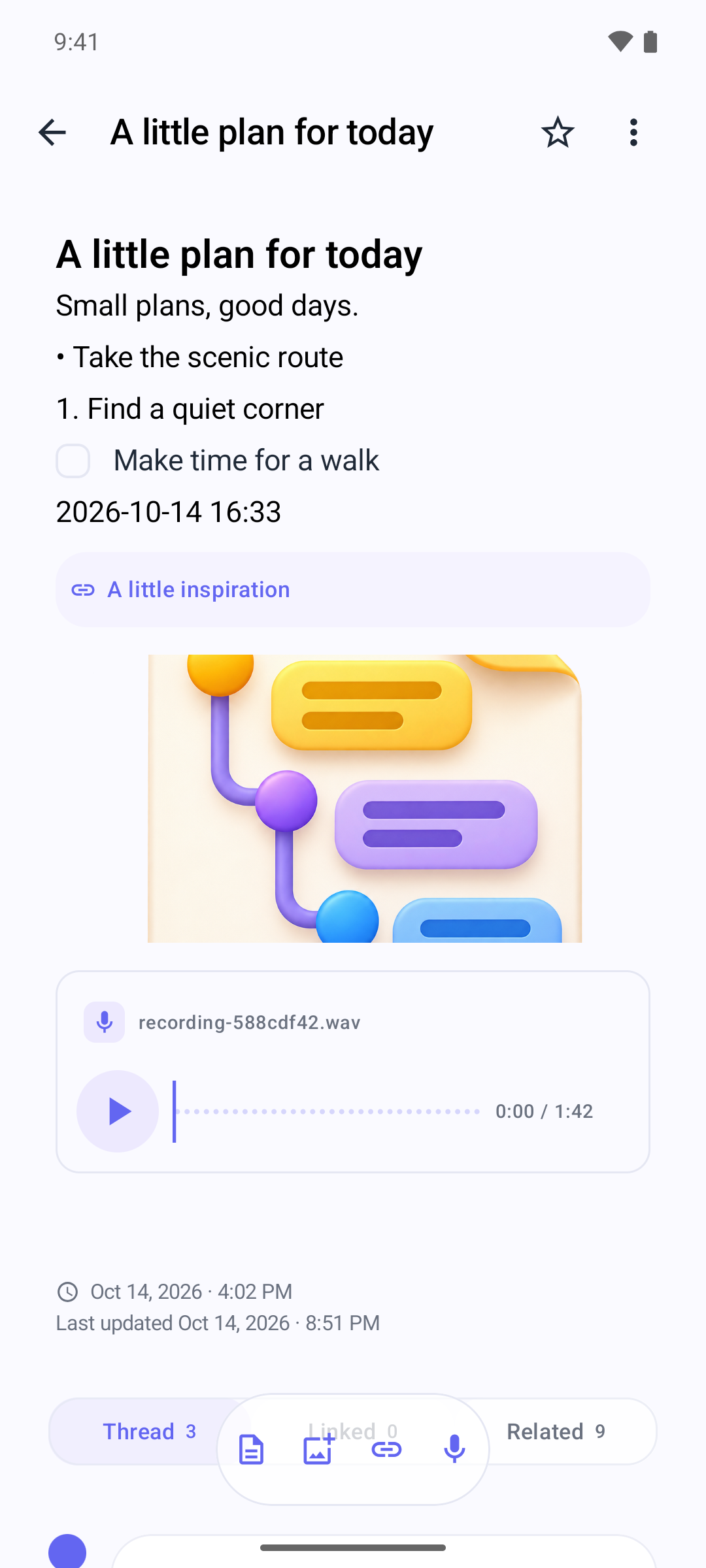
Features
- One topic, continued over timeStart a thread and add later entries to the same timeline, keeping the original record and what came next together.
- Related records, linked by youChoose another thread with the link button when its context matters. Your link stays in the timeline, and the target can show where it was referenced.
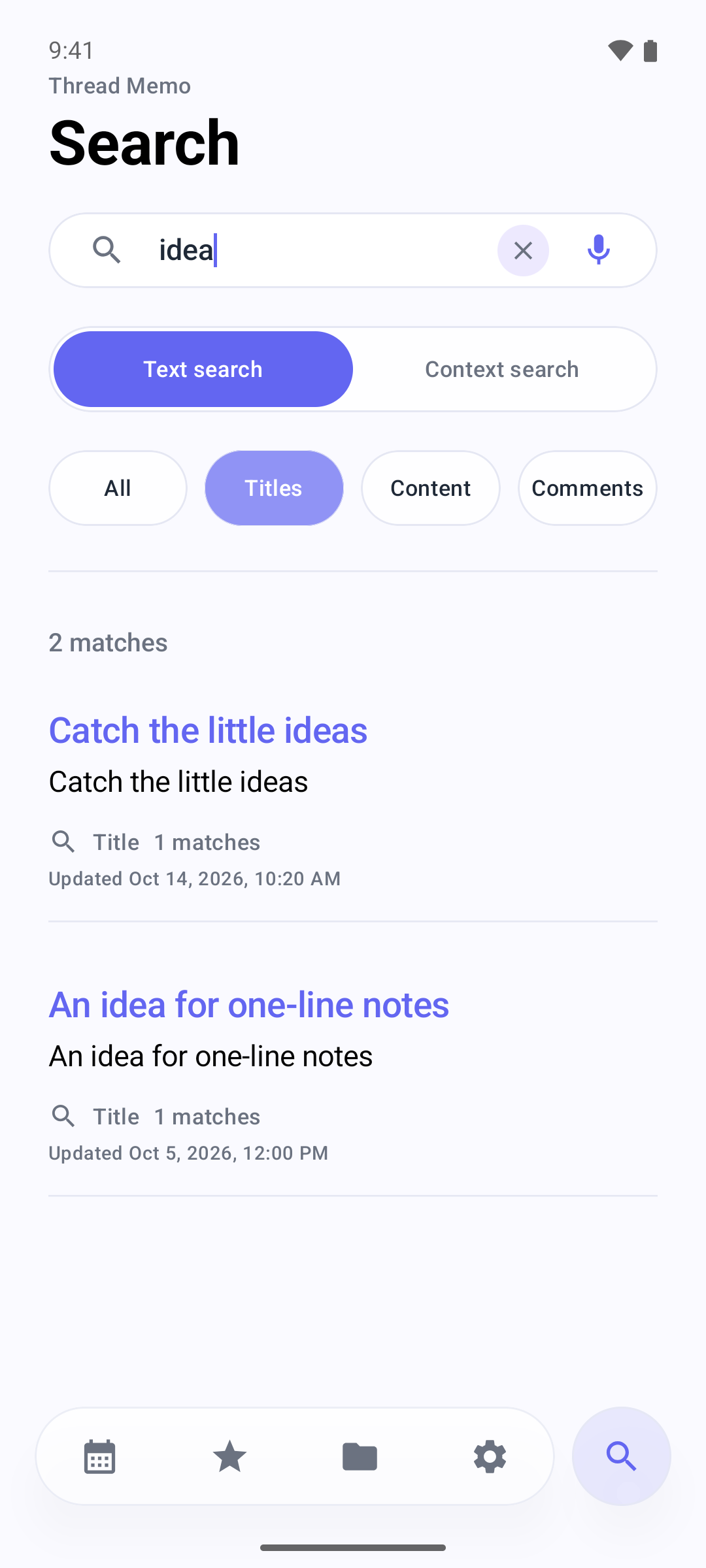
- Return to earlier recordsSearch titles, bodies and comments, or use context search. Open a result at its matching place.
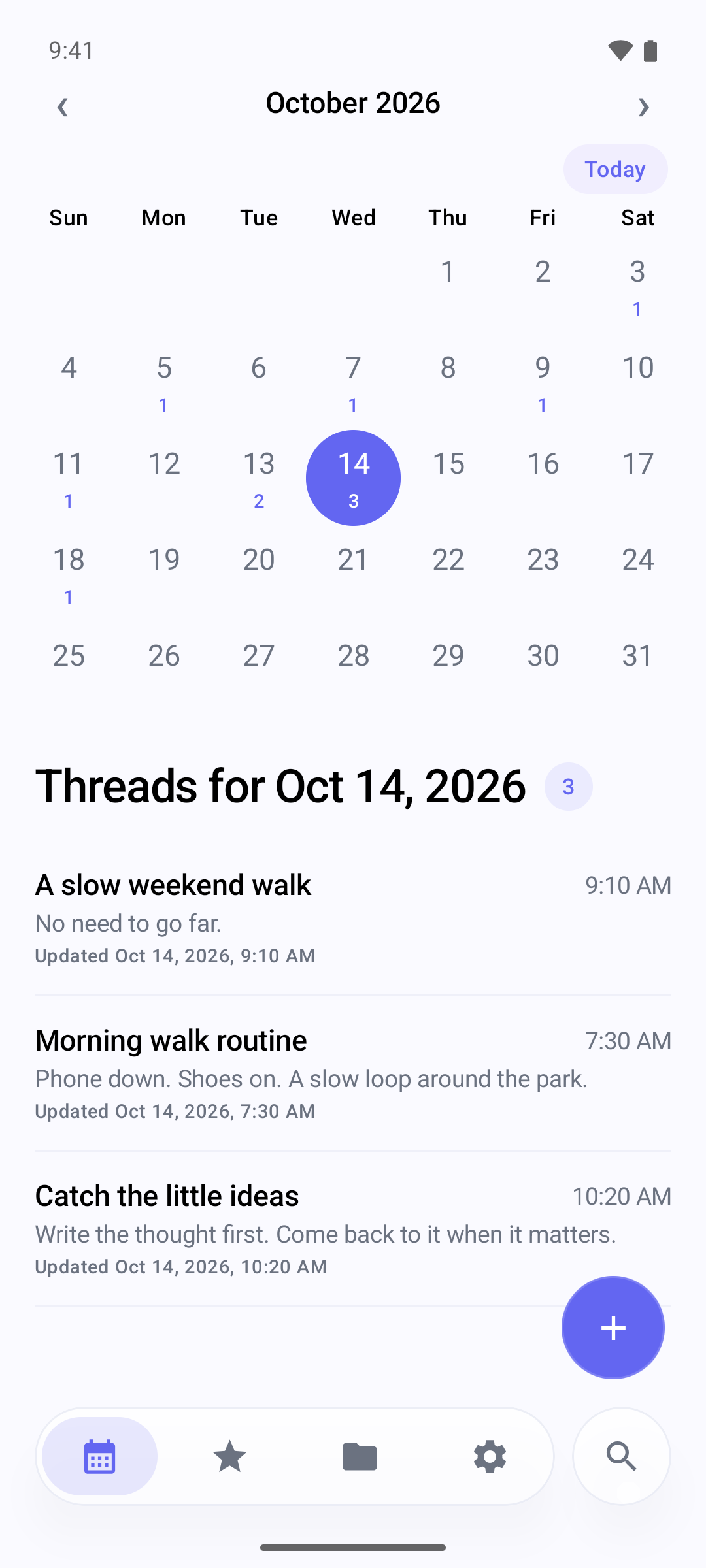
- Dates as a way backBrowse the calendar to return to a thread by date.
- Folders and favouritesGroup threads and mark the ones you want to return to often.
- Details in the same threadAdd formatted text, lists, tasks, images and recordings as part of the record.
- Trash and backupRestore removed threads from Trash, and export or import a backup file from Settings.
What is a thread in Thread Memo?
A thread holds one topic’s original record and your own follow-up comments. Add the next update to the same topic instead of scattering its history across separate records.
How do I connect related records?
Use the link button in a thread to choose another record. The link records a reference you decided to keep. Optional AI suggestions can help you discover related threads; you choose which ones to connect.
Private by default
Your notes are stored on your device, and processing happens on the device. There is no account and no cloud sync. The app shows ads through Google AdMob and sends usage statistics through Google Analytics for Firebase, never your notes; you can turn the statistics off in Settings, as described in the Privacy Policy.
If you choose to turn on the optional GPT-only mode in Settings, the text, images, and audio involved in those features are sent to OpenAI, after your API key is verified and you confirm a consent dialog. Read the Privacy Policy for details.